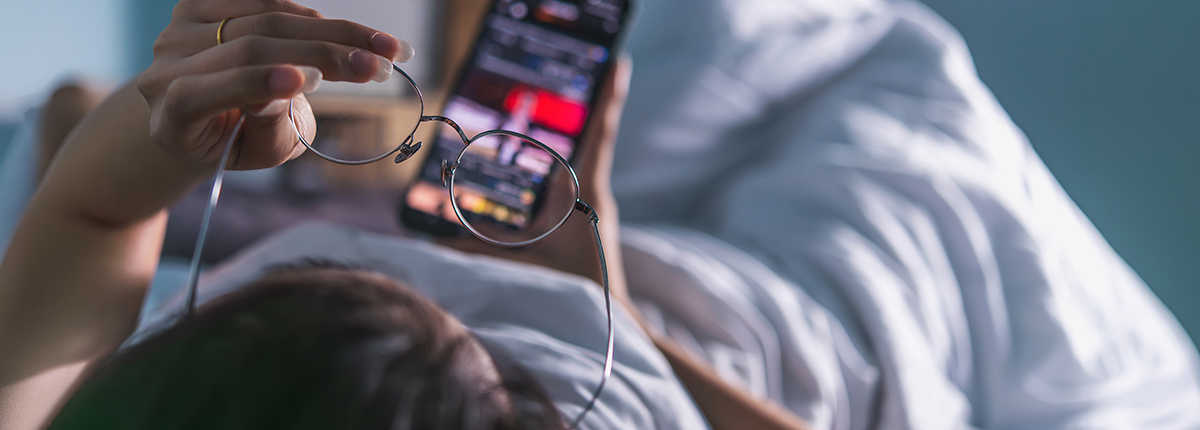
Clearer Eyes After Screen Time: Resetting Vision After the Holidays
26 MAR 2026
Children's eye health Eye conditions Eye health Glasses
The holiday break is over. You’ve returned to work, doomscrolled through social media, binged a few series, and caught up on emails, and now your eyes are paying the price. That gritty, tired feeling isn’t just from the festive season; it’s your eyes telling you they need attention after weeks of increased holiday screen time.
Think again if you guess it’s just a few extra minutes. A Deloitte study found that on average, Australians are increasing their screen time, spending 6 plus hours a day behind their mobile, tablet or computer outside of work. That’s about 44 hours a week, or 17 years collectively over a lifetime.
We get it, it’s your time off, and you want to spend a little longer in front of your favourite entertainment, but your eyes are going into overtime and need a break too. Here’s how to recognise the signs of eye strain from screen time and what you can do to keep your vision comfortable for the year ahead.
Blurry vision after screen time; why is it happening?
Also called computer vision syndrome, digital eye strain occurs when ciliary muscles, tiny muscles in your eye, contract for prolonged periods and work harder to focus on your device’s screen.
You might be wondering why it doesn’t happen in the office. On normal workdays, you might give your eyes periodic breaks by looking across the office or stepping outside. At home, your time looking at a screen often stretches longer without those natural interruptions, resulting in fatigued muscles from sustained close-up focus.
But staring at your screen for too long isn’t the only thing that will give you ‘square eyes’; your environment plays a role, too. You’re more likely to watch screens in varied lighting conditions, different focusing distances, brightness levels, and different viewing angles. Using your phone while watching TV? That’s overloading your eyes, too.
How to recognise the symptoms of digital eye strain?
Eye fatigue symptoms manifest differently in each person, but there are common patterns worth watching for.
Blurry vision after screen time is usually the first sign people notice. You might find that text appears fuzzy when you glance away from your screen, or that road signs seem unclear when driving home after a long day. This temporary blur is called an “accommodative spasm” which happens because your focusing muscles have been locked in “near vision mode” for so long that they struggle to relax and adjust for distance viewing.
You might experience sore eyes from screens, where they might feel like they’re burning, gritty, or scratchy, as though you have sand in your eyes. When you spend too much time on screens, your blink rate drops from about 15 to 20 times a minute to 6 to 7, causing your tear film to evaporate faster than it can replenish, leaving your eyes dry and irritated.
If you’re not balancing your screen time and eye health, it’s common for headaches to come on, usually around your temples, forehead or behind your eyes. They stem from the sustained muscle tension required to maintain focus, combined with the eye strain caused by squinting at small text or poorly adjusted screen brightness.
Other symptoms may include light sensitivity, difficulty concentrating, neck and shoulder pain (from poor posture), and seeing halos around lights at night. Some people also report a feeling of heaviness in their eyelids or difficulty keeping their eyes open, particularly late in the day.
If you’re younger, these issues usually sort themselves out with a bit of rest. But if you’re over 40 and noticing this more often, it could also be a sign of presbyopia, a condition that’s normal in older age groups where close-up focusing gets harder. For a clearer idea of what’s happening to your vision, book a consultation with your local optometrist.
How to reduce eye strain?
The encouraging news is that most post-holiday eye discomfort improves with a few simple changes. Here’s how you can easily balance your screen time and eye health:
- Follow the 20-20-20 rule
Every 20 minutes, look at something 20 feet away (about 6 metres) for at least 20 seconds to give your focusing muscles a break.
- Adjust your screen setup
Position your screen about an arm’s length away, with the top of the screen at or slightly below eye level to reduce the need for your eyes to maintain their focus.
- Optimise your lighting
Avoid working in overly bright or dim conditions and position your screen to minimise glare from windows or overhead lights. If you work at night, use ambient lighting rather than a single bright lamp to reduce contrast between your screen and surroundings.
- Blink more
It sounds simple, but deliberately blinking more often helps maintain moisture on your eye’s surface.
- Consider using screen filters
Many devices offer blue light filters or night mode settings that reduce the intensity of blue light emissions.
- Stay hydrated
Drink water throughout the day to assist with your body’s tear production and general eye health and comfort.
- Take breaks
Step away from screens entirely for 10-15 minutes every couple of hours. Go outside, look at the horizon, or engage in activities that do not require close focus.
When it’s time to consult an optometrist?
While most digital eye strain resolves with lifestyle changes, if it persists, it’s best to make an appointment with your closest Eyecare Plus practice location. It might be time to organise a new eye exam if you experience:
- Your symptoms are getting worse or haven’t improved after a week of trying these tips
- Blurry vision that won’t clear up, even after blinking or resting your eyes
- Headaches that are frequent enough to get in the way of your day
- You’ve noticed your vision changing in other ways
- Your eyes still feel really dry, even when you’re using eye drops
An optometrist can determine whether it’s just eye strain from screen time, or if there’s something else going on, like an outdated prescription, dry eye disease, or natural age-related changes affecting how your eyes focuses. They’ll also check if your current glasses or contacts need updating, because even small prescription changes can make a big difference toin your vision.
Find your nearest Eyecare Plus optometrist for a thorough eye exam. In just 30-45 minutes, we’ll take a detailed review of your overall eye health and give you practical advice to help you manage your screen-related symptoms.
Give your eyes a fresh start
Resetting your vision after the holidays is an excellent opportunity to establish better screen habits year-round. As screens become increasingly central to work, study, and leisure, protecting your eyes is not just about comfort, it is about maintaining clear, healthy vision throughout life.
If you wear glasses or contact lenses, ensure your prescription is current. Outdated lenses that are no longer effective force your eyes to work harder, amplifying the effects of screen time. It’s also a great idea to consider discussing lens options designed for using digital devices with your optometrist, as specialised coatings can reduce glare and improve your visual comfort.
Regular eye examinations remain your best defence against long-term vision problems. Many eye conditions develop without obvious symptoms, making early detection a challenge if you’re trying to go it alone. Don’t hesitate to book an eye examination today, itthey makes a significant difference in your treatment outcomes.
Book an appointment with
your local Eyecare Plus
Optometrist today.


 Return to Stories